
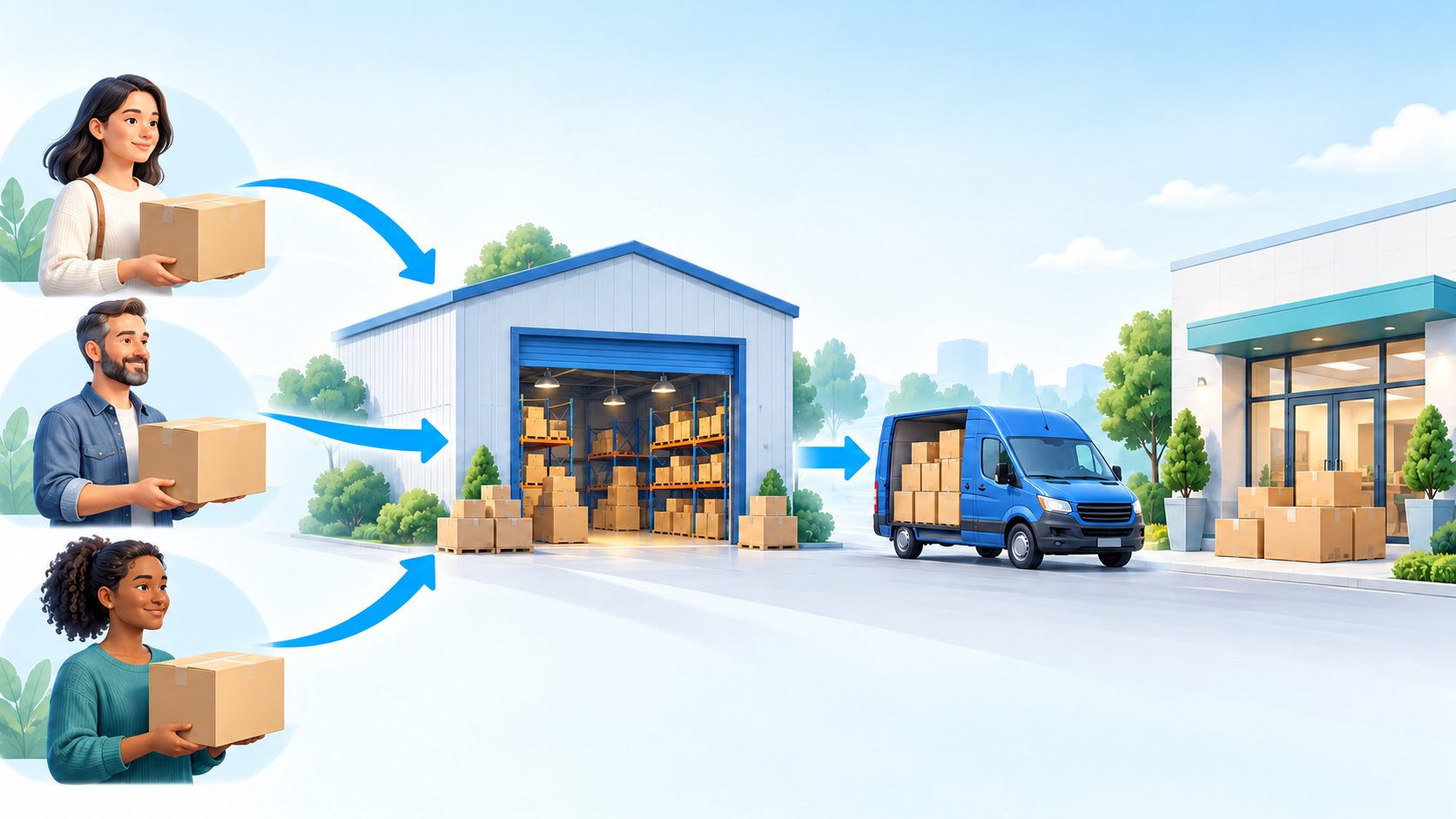
Create or join a HuaBang Express Shipping Group, link your parcels, submit and pay for your own order, then collect at the shared address.
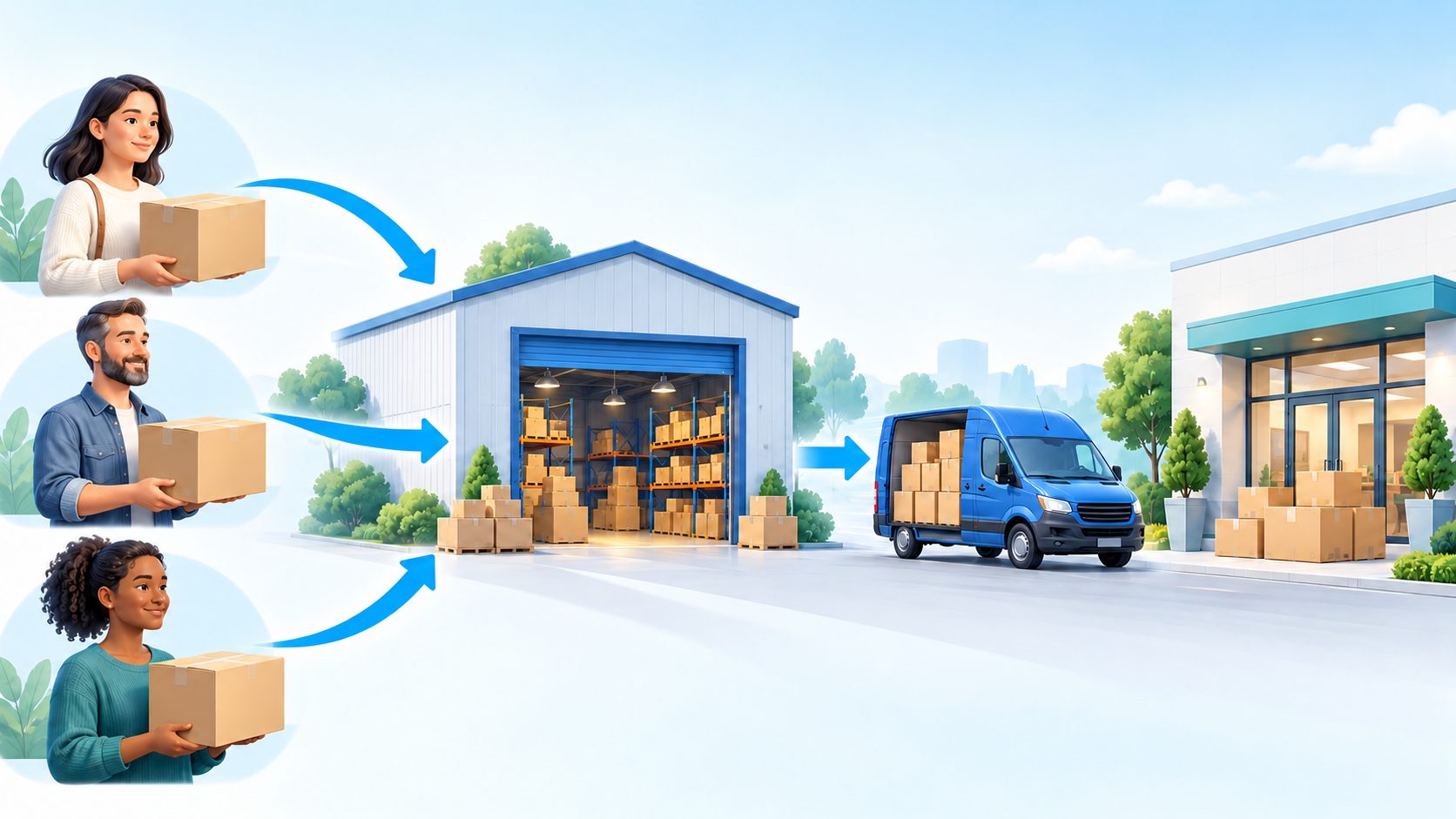
Illustration of the process.
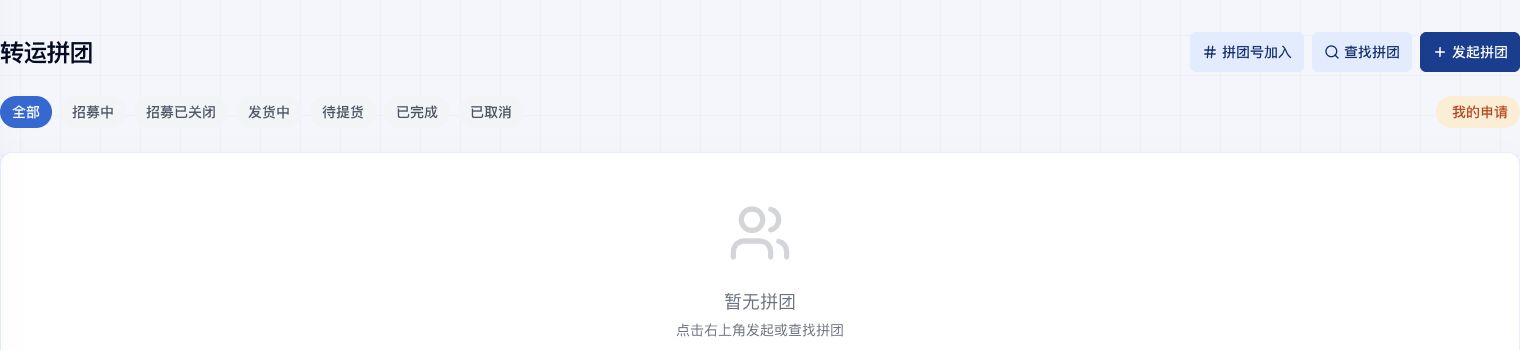
Actual HuaBang Chinese interface. Join by Number, Find Group and Create Group are the corresponding actions. Adjust default values to your plan.
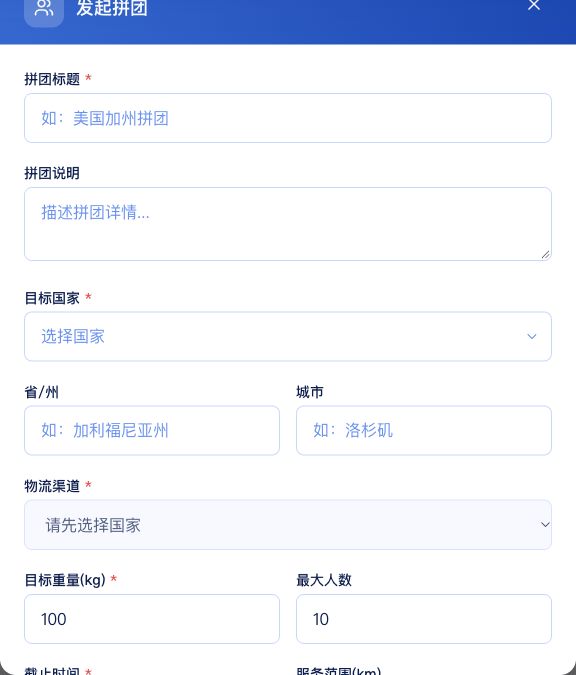
Actual HuaBang Chinese interface. Join by Number, Find Group and Create Group are the corresponding actions. Adjust default values to your plan.
HuaBang Express Shipping Groups helps customers arrange parcels for one destination and shipping channel. Each member uses their own account, links their own parcels, submits their own order and pays after packing. The leader chooses one shared delivery address.
1. Prepare your parcels and collection arrangements
Sign in and check Warehouse Parcels. Wait until the parcels you want to ship have arrived. Before joining, confirm the destination, channel, deadline and shared delivery address with the leader. Make sure you can collect your goods there. Ask online support to confirm the channel can carry your items.
2. Create a shipping group
Open Shipping Groups and choose Create Group. Enter a recognizable title and description. Choose the destination country, province or state and city, then a channel offered for that destination. Set the target weight, maximum members, deadline and service range according to your plan.
Choose the shared recipient address from your address book; add an address first if needed. Review the Public Group and Requires Approval options, then create the group. Share the group number and collection instructions with members. The leader must also link and submit their own parcels.
3. Join an existing group
Choose Join by Number and enter the complete number supplied by the leader. Search, verify the destination, channel and deadline, then apply to join. Alternatively choose Find Group and search public groups by country, state and city. Confirm collection arrangements before joining. When approval is required, wait for the leader and check My Applications.
4. Link your own warehouse parcels
Open the group details, find My Parcels, and use the parcel association button. Choose your own eligible parcels and confirm the selection. Check the parcel list and the group weight. Parcels that have not arrived or are already assigned to another group or order may be unavailable. Contact support if an expected parcel is missing.
5. Submit and pay for your own order
Wait until the total group weight reaches its target and the page permits order submission. A full member count or an expired deadline does not automatically create orders or dispatch parcels. Review your parcels and the shared address, then confirm submission. Wait for packing, open your own order in Shipping Orders, review the final charges and pay when payment is due.
Each member pays for their own order. Estimated charges can change after packing and final weighing. Prices depend on the channel, destination, group weight and your parcels. There is no universal fixed discount. Add all intended parcels before submitting; after submission you cannot continue adding or removing parcels or leave through the normal group flow. Contact support for exceptional changes.
6. Collect before confirming pickup
Delivery is to the shared group address. Arrange collection with the leader, use your own pickup code and check your goods. Confirm pickup only after you have physically collected them. Delivery to the shared address and collection by you are separate events.
Common questions
Joined but no order? Joining only establishes membership. Link parcels and submit your own order once the weight condition is met.
Cannot submit? Check whether your parcels are linked, the target weight is met, you already submitted, and the group status permits submission.
Recruitment closed? Existing members may still add parcels before submitting if the page allows it. Closing recruitment does not mean dispatch.
Can each member receive at home? This workflow uses the leader's shared address. Ask support about an individual forwarding order if you need a separate address.
For a first shipment, read the complete forwarding guide.
Related Articles

Complete Package Forwarding Guide: From China Warehouse Address to Delivery
October 19, 2026
Common Items Requiring Shipping Review: HuaBang Express FAQ and Checklist
October 19, 2026

How to Return a Warehouse Parcel to a Seller in China: HuaBang Express Illustrated Guide
October 19, 2026
How to Check Shipping Rates and Track Your Parcel: A HuaBang Express Step-by-Step Guide
October 19, 2026