
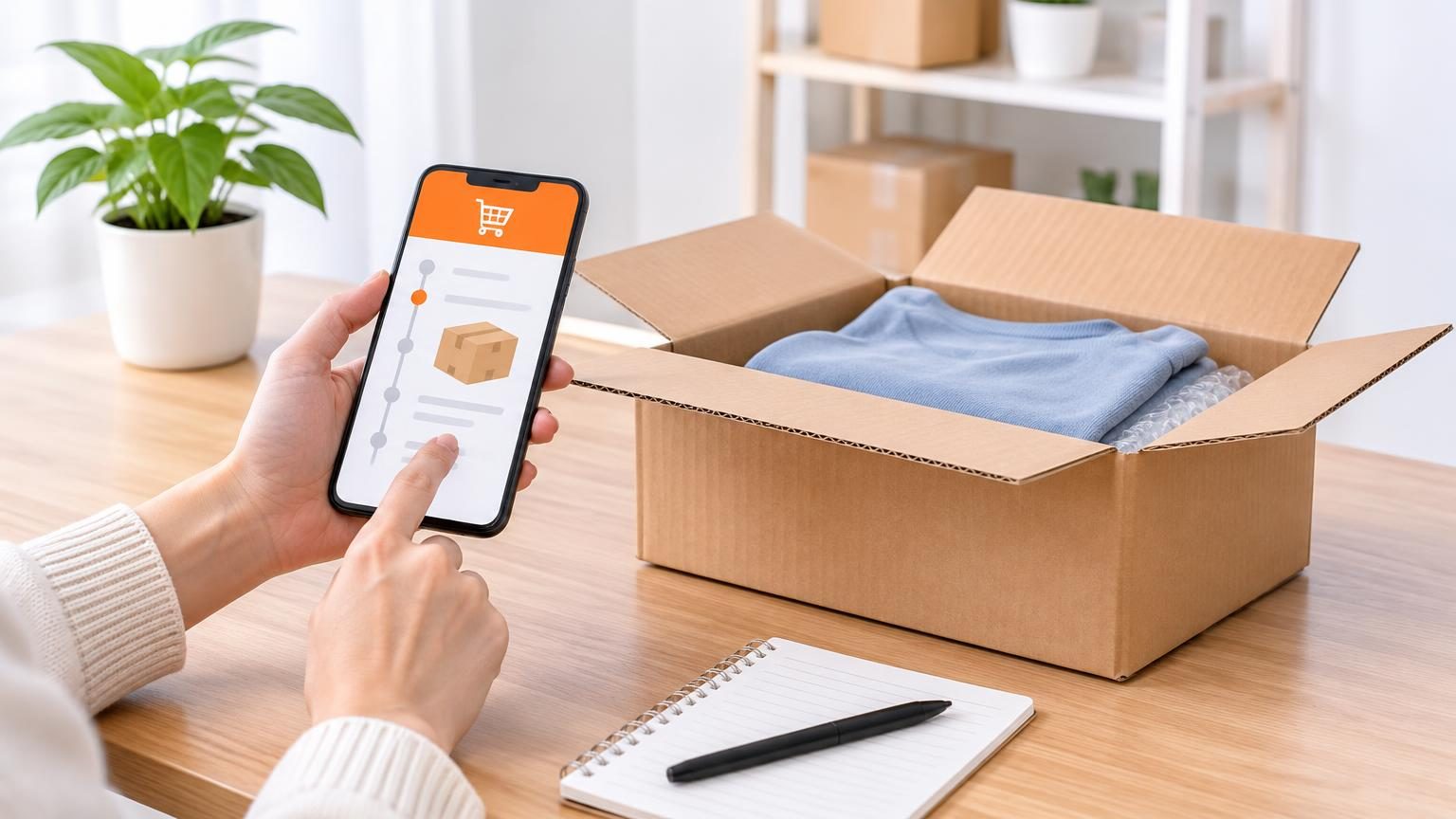
Find the domestic carrier tracking number in your Taobao shipping record, match it to the items in the parcel, and use it to complete your first parcel pre-alert.
Have your Taobao order, the seller’s shipping record, and your HuaBang Express customer center open before you start. You’ll need the tracking number for the parcel’s trip within China and the details of what’s packed in it. The order number identifies your purchase; the domestic carrier tracking number identifies the package. They can sit close together on the screen, so it’s worth taking a moment to tell them apart before you enter anything.
Step 1: Check the warehouse details against your order
In the customer center, find the warehouse address card on your dashboard. It shows the assigned recipient, phone number, address, and member code for your account. Compare those details with the shipping information on your Taobao order. If you need to copy the warehouse details, use Copy on the card and refer to what your account currently displays.
This is particularly useful if you’ve saved a warehouse address in Taobao from an earlier purchase. If the address or member code on the order differs from the current card, check the discrepancy with the seller or contact HuaBang Express before assuming the parcel is headed to the intended warehouse. A pre-alert describes the parcel; changing what you enter there doesn’t change the address on the Taobao order.
Step 2: Find the domestic tracking number in Taobao
Open the purchase in Taobao and look for its shipping or logistics record. Labels and screens can vary by app version. The useful clue is a number associated with a domestic carrier and a specific shipment, rather than the purchase reference in the order details. If the shipping record shows both numbers, copy the one tied to the carrier. The schematic below shows the distinction to look for.

Step diagram — Match the carrier tracking number to the correct parcel
Check that the shipping entry belongs to the purchase you mean to pre-alert. Taobao might show more than one shipment for an order, especially if the seller dispatches items separately. In that case, check which goods are associated with the tracking number you’re copying. If the shipping record doesn’t make that clear, ask the seller which items went in that parcel before preparing its details.
The same check applies if your purchase is on Pinduoduo or 1688. In Pinduoduo, look for the shipping record associated with the purchase and match the carrier entry to the parcel you’re expecting. In 1688, look for the shipment information tied to the supplier order and check whether the supplier split the goods across parcels. On either platform, use the carrier’s shipment number rather than the marketplace’s purchase reference. If only the order reference is visible, ask the seller for the domestic tracking number or check the record again once the shipping details appear.
Step 3: Enter the tracking number and describe what’s inside
Open a new parcel forecast in the customer center. A parcel forecast is the pre-alert you prepare using the domestic tracking number and item details. Paste the tracking number from the shipping record, then enter the details requested for the goods in that parcel, including the item name.
Use a name that says what the item actually is. For example, if a purchase includes a canvas tote and a phone case but the seller ships them separately, describe the tote in the forecast associated with its tracking number and the phone case in the forecast for its parcel. If both are packed together, use the item details to describe both. The purchase tells you what you bought; the shipping record and any clarification from the seller help you work out what to include in the forecast.
Step 4: Review the forecast and correct a mix-up
Before completing the forecast, compare the number you entered with the one beside the domestic carrier in the marketplace’s shipping record. Check it character by character, especially if you typed it yourself. Then review the item details against the contents you identified for that shipment. What you’re looking for is a forecast that pairs the carrier’s parcel number with a description of the goods packed under it.
If you spot the order number in place of the tracking number while you’re still entering the forecast, return to the shipping record, copy the carrier number, and replace the incorrect entry. If you’ve already completed the forecast, keep the correct carrier number and the number you entered handy, then ask HuaBang Express how to correct the record before creating another forecast.
FAQ
Can I use one tracking number for everything in my Taobao order?
Use the number for the parcel the seller actually shipped. If the items share a parcel, describe them under that parcel’s tracking number. If the order has separate shipments, match each forecast to the corresponding number and item details.
What if Taobao shows an order number but no domestic tracking number?
Check the shipping record again when carrier details appear, or ask the seller for the domestic carrier’s tracking number. Once you have it, compare it with the shipment details before preparing the forecast.
Keep the marketplace shipping record open until you’ve checked the number and contents side by side. If you need help after completing the forecast, visit the HuaBang Express website with the correct tracking number on hand.
Related Articles

Your First Taobao Order: Get the Warehouse Address and Member Code Right
November 23, 2026
HuaBang Forwarding Order: Check the Estimate Against Packed Charges
November 15, 2026
Tmall Bundle Missing a Part? What to Check Before Forwarding
November 11, 2026
Pinduoduo Order Used an Old Warehouse Address: What to Check
November 9, 2026